

- This event has passed.
MS Project 1 & 2 Workshop

2-Part Workshop is held Wednesdays
September 9 & October 7
10 AM – 2 PM EDT
*Participation in this workshop is for one person per registration.
Member: $1000 Non-Member: $1200
About this Workshop
Have you reviewed a schedule but never produced one or used MS Project but haven’t had time to dive in? This MS Project 1 & 2 Workshop strengthens your scheduling skills through guided instruction and hands-on exercises. You’ll learn how to build, update and communicate a functional project schedule in MS Project while applying best practices to improve clarity, consistency and project control.
Through guided instruction and hands-on exercises, you’ll learn how to navigate MS Project with confidence, create and organize tasks, and build a clear, functional project schedule. The workshop also highlights practical scheduling techniques you can apply to real-world projects – including how to update progress and share schedules effectively with your team.
Workshop Outcomes:
- Create and organize a project schedule in MS Project
- Update progress and apply best practices for schedule management
- Use MS project features to share scheduled and support porject communication
Who Should Attend: Project managers, assistant project managers, project engineers, owners, executives, project administrators, or individuals who are new to scheduling or using MS project for the first time.
**Participants must have access to either the desktop or web version of the MS Project software before the class starts.
Technology and Participation
For the classroom:
- Please have Zoom downloaded.
- Computer with dual monitor preferred.
- Laptop is good with a separate tablet to access the materials.
For participation:
- Camera, either built in or added on and ready to stream to the classroom.
- Headphones or earbuds with microphones are preferred.
- Computer/device mic and speakers are ok if in private, quiet room.
- Each student should be on their own computer/laptop/tablet, if possible.
- **Ensure that MS Project software is installed, up-to-date, and/or logged in on the web.
Primary Venue
Classes are held in a live virtual classroom using Zoom.
Featured Speakers
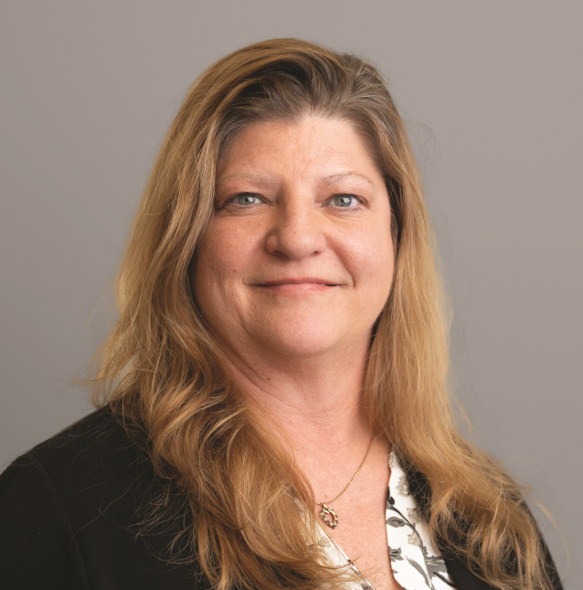
Daphene Koch | PhD
Build Your Know LLC|Founder and Owner