
- This event has passed.
Introduction to MS Project

Workshop is held Wednesday
February 18
11 AM – 3 PM EST
*Participation in this workshop is for one person per registration.
Member: $500 Non-Member: $600
About this Workshop
New to MS Project or need a refresher on how to schedule effectively? This focused 4-hour Introduction to MS Project workshop will get you up and running with the fundamentals of the software while emphasizing industry best practices for building and managing project schedules.
Through guided instruction and hands-on exercises, you’ll learn how to navigate MS Project with confidence, create and organize tasks, and build a clear, functional project schedule. The workshop also highlights practical scheduling techniques you can apply to real-world projects – including how to update progress and share schedules effectively with your team.
Workshop Outcomes:
- Review of basic scheduling terminology
- Create and update a sample project in MS Project
- Apply best practices for schedule development and mangement
Who Should Attend: Project managers, assistant project managers, project engineers, owners, executives, project administrators, or individuals who are new to scheduling or using MS Project for the first time.
**Participants must have access to either the desktop or web version of the MS Project software before the class starts.
Technology and Participation
For the classroom:
- Please have Zoom downloaded.
- Computer with dual monitor preferred.
- Laptop is good with a separate tablet to access the materials.
For participation:
- Camera, either built in or added on and ready to stream to the classroom.
- Headphones or earbuds with microphones are preferred.
- Computer/device mic and speakers are ok if in private, quiet room.
- Each student should be on their own computer/laptop/tablet, if possible.
- **Ensure that MS Project software is installed, up-to-date, and/or logged in on the web.
Primary Venue
Classes are held in a live virtual classroom using Zoom.
Featured Speakers
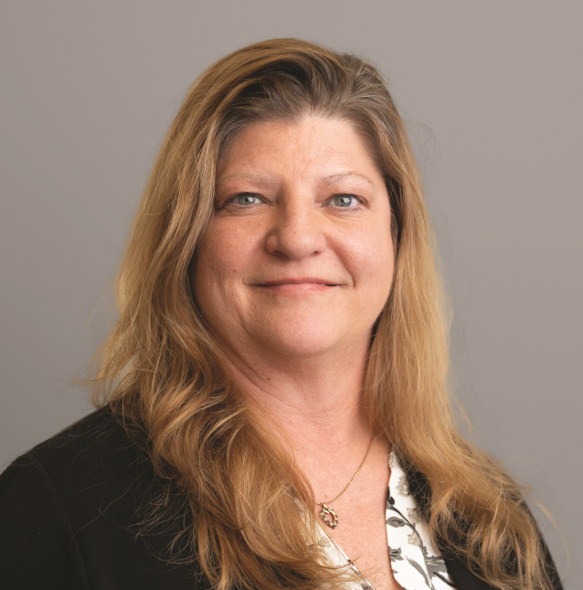
Daphene Koch | PhD
Build Your Know LLC|Founder and Owner