
- This event has passed.
Diving into MS Project

Workshop is held Wednesday
March 18
11 AM – 3 PM EDT
Click Here to Register
*Participation in this workshop is for one person per registration.
Member: $500 Non-Member: $600
About this Workshop
Already familiar with MS Project and ready to strengthen your skills? Diving into MS Project is a focused 4-hour workshop designed to help you move beyond the basics and gain greater confidence and control in your scheduling work.
Through live demonstrations, hands-on activities, and group discussions, you’ll explore how to apply industry best practices, minimize scheduling risks, and evaluate project progress using MS Project’s reporting tools. This workshop is ideal for those who use MS Project and want to take their scheduling expertise to the next level.
Workshop Outcomes:
- Apply scheduling best practices to refine and manage project schedules
- Track and update project progress using reporting and analysis tools
- Strengthen understanding of dependencies, constraints and milestones
Who Should Attend: Project managers, assistant project managers, owners, executives, and others who actively use MS Project and are looking to improve efficiency, consistency and confidence in scheduling.
**Participants must have access to either the desktop or web version of the MS Project software before the class starts.
Technology and Participation
For the classroom:
- Please have Zoom downloaded.
- Computer with dual monitor preferred.
- Laptop is good with a separate tablet to access the materials.
For participation:
- Camera, either built in or added on and ready to stream to the classroom.
- Headphones or earbuds with microphones are preferred.
- Computer/device mic and speakers are ok if in private, quiet room.
- Each student should be on their own computer/laptop/tablet, if possible.
- **Ensure that MS Project software is installed, up-to-date, and/or logged in on the web.
Primary Venue
Classes are held in a live virtual classroom using Zoom.
Featured Speakers
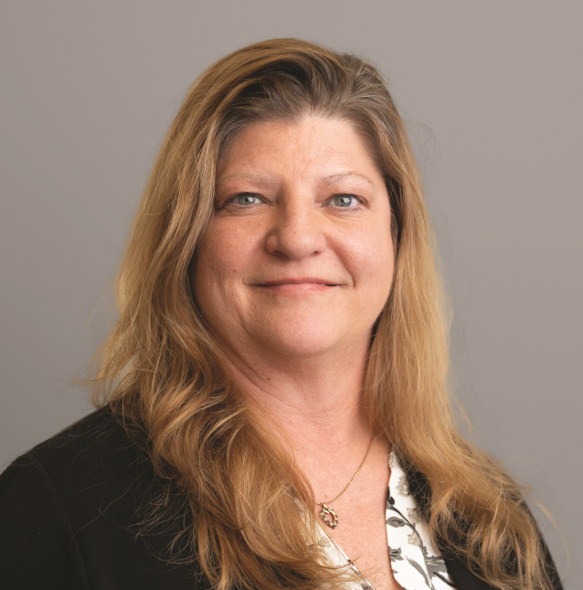
Daphene Koch | PhD
Build Your Know LLC|Founder and Owner