
Advanced MS Project

Workshop is held Wednesday
April 15
11 AM – 3 PM EDT
*Participation in this workshop is for one person per registration.
Member: $500 Non-Member: $600
About this Workshop
Confident using MS Project and ready to take your skills to the next level? Advanced MS Project is a focused 4-hour workshop designed for experienced users who want to explore the software’s advanced features for risk management, integrated schedules and company-level tracking resource tracking.
Through instructor-led demonstrations and hands-on exercises, you’ll learn how to streamline scheduling workflows, manage project data across multiple teams, and apply advanced tools to improve efficiency in both project and company-wide management.
Join this class to expand your MS Project expertise and increase your overall efficiency in project and organizational planning.
Workshop Outcomes:
- Examine and apply risk management tools in MS Project
- Demonstrate efficiencies for tracking resources, cost, procurement and company-level requirements
- Apply advanced reports to real projects for improved forecasting and visibility
Who Should Attend: Experienced project managers, assistant project managers, schedulers, owners, and executives who use MS Project regularly and want to leverage advanced tools for broader project and company management.
**Participants must have access to either the desktop or web version of the MS Project software before the class starts.
Technology and Participation
For the classroom:
- Please have Zoom downloaded.
- Computer with dual monitor preferred.
- Laptop is good with a separate tablet to access the materials.
For participation:
- Camera, either built in or added on and ready to stream to the classroom.
- Headphones or earbuds with microphones are preferred.
- Computer/device mic and speakers are ok if in private, quiet room.
- Each student should be on their own computer/laptop/tablet, if possible.
- **Ensure that MS Project software is installed, up-to-date, and/or logged in on the web.
Primary Venue
Classes are held in a live virtual classroom using Zoom.
Featured Speakers
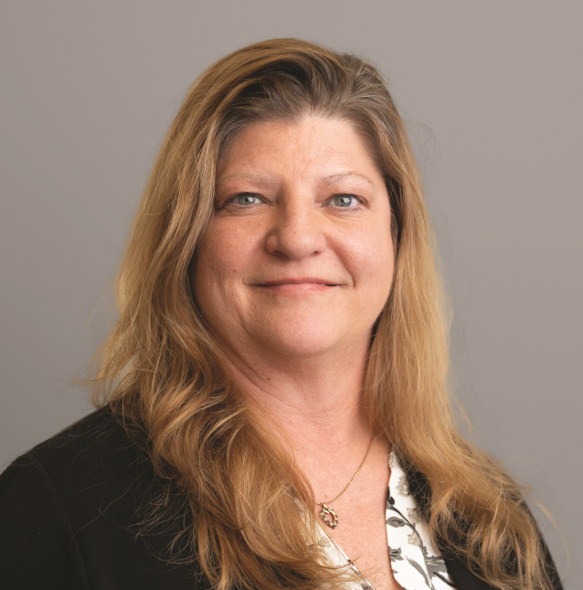
Daphene Koch | PhD
Build Your Know LLC|Founder and Owner